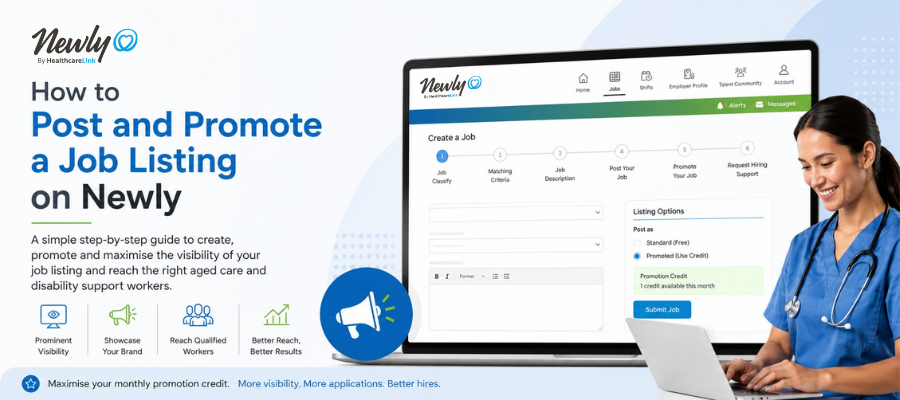
Posting a job on Newly is quick and easy. Follow the steps below to create your job listing and promote it if you'd like to reach more aged care and disability support workers.
Go to the Newly Employer Portal and log in to your account.
If you don't have an account yet, you can create one here: app.newly.com.au/employer/
Step 2: Create a New Job
From the navigation menu, go to Jobs and select Post a New Job.
Complete the key information for your vacancy, including:
Providing clear and detailed information helps attract the most suitable candidates.
Step 3: Enhance Your Listing
Strengthen your employer brand by uploading a cover image or video. Rich media can help your listing stand out and give candidates a better understanding of your organisation and opportunity.
Under Listing Options, select Post as Promoted to apply your monthly Promotion Credit. Promoted listings receive increased visibility and appear prominently to aged care and disability support workers searching for opportunities.
Once you've reviewed the details, click Submit. Your job listing will go live after it has been approved.
Employers receive one Promotion Credit each month. To maximise its value, apply it to your most important or highest-priority active job listing. Promoted listings help increase visibility, strengthen your employer brand, and attract more qualified aged care and disability support workers.
Note: Promotion Credits are available to employers with a Premium Hiring subscription. Premium Hiring provides additional tools to help increase job visibility, strengthen your employer brand, and connect with aged care and support carers faster.
